


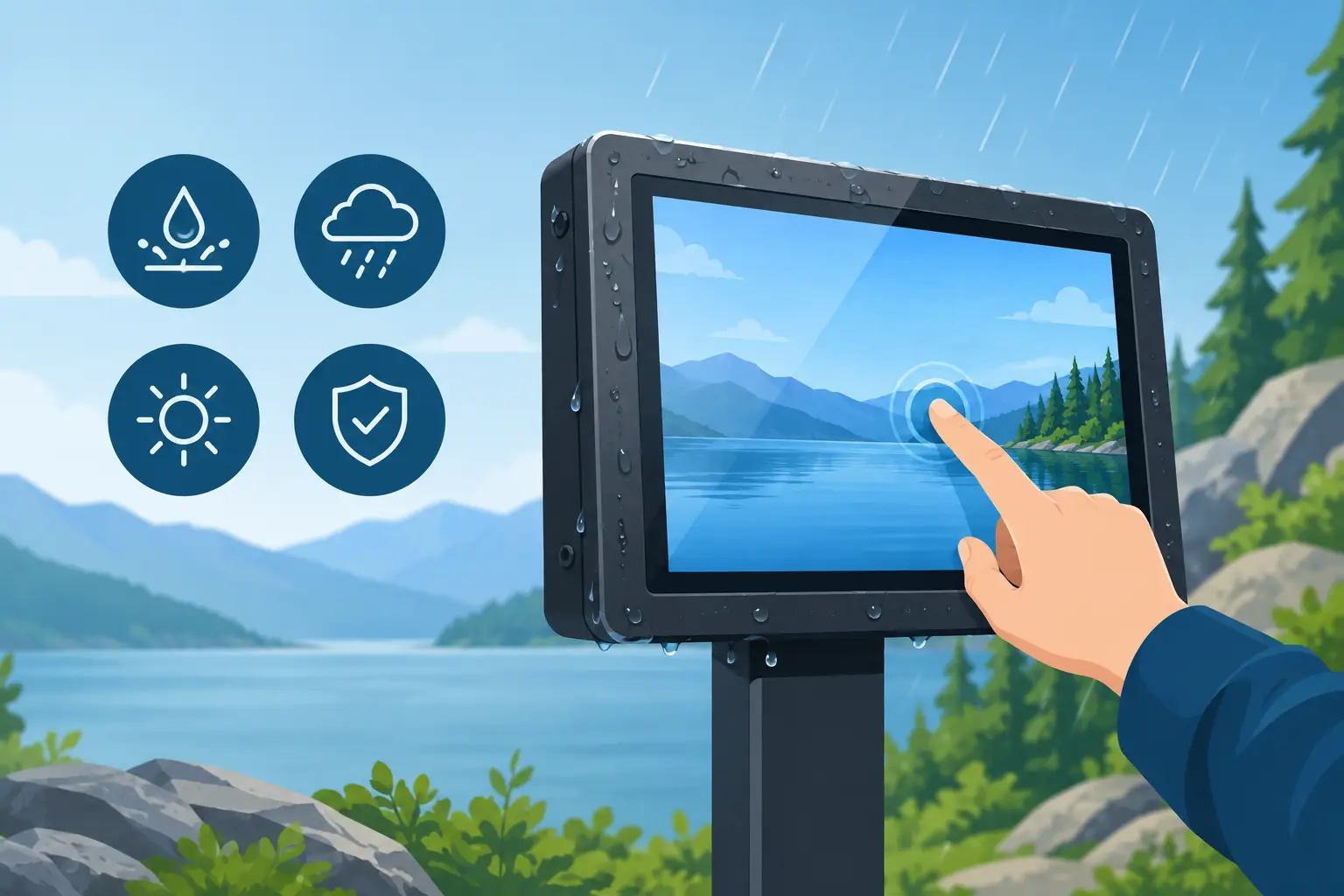
An IP67 outdoor touchscreen display is not simply an indoor panel placed in a weatherproof box. It is a complete hardware system that must remain readable in direct sun, accept input through rain or gloves, manage heat, resist dust and water ingress, and stay serviceable after years of public or industrial use.
For systems integrators, OEM teams, and facility operators, the right specification begins with the actual deployment. A display at a gated entrance faces different risks than one on a loading dock, transit platform, agricultural site, or outdoor self-service kiosk. The IP rating matters, but it is only one part of a design that has to work reliably around the clock.
What IP67 Means for an Outdoor Touchscreen Display
IP67 is an ingress-protection rating. The first digit, 6, means the enclosure is dust-tight. The second digit, 7, indicates protection against temporary immersion in water under defined test conditions. That is a meaningful level of protection for equipment exposed to windblown dust, rain, washdown splash, and occasional standing water.
The practical limitation is equally important: IP67 does not mean every installed system is automatically waterproof. A panel can carry an IP67 enclosure rating while its cable glands, rear access covers, power adapters, network connectors, antenna ports, and wall-mount interface become weak points. Once a technician opens a service panel or routes a cable incorrectly, the effective protection level can change.
For outdoor deployments, specify the rating at the system boundary. Ask whether the display remains IP67 after installation, which connectors are approved, how covers are resealed, and whether the mounting method creates water traps. If the unit will face pressure washing or sustained water exposure, an IP67 rating may not be sufficient. The required test standard should match the cleaning method and environmental exposure, not just the wording in a bid specification.
Brightness Must Be Matched to Site Conditions
Outdoor readability is usually the first performance issue users notice. A display that looks clear in a warehouse can become unreadable at a sunny entrance by midafternoon. For most exposed installations, 1,000 nits or more is a practical starting point for sunlight-readable performance. Higher brightness may be necessary when the display is positioned toward direct sun or when users must read small type, maps, transaction details, or QR codes quickly.
Brightness alone does not solve the problem. The front glass treatment, display contrast, optical bonding, viewing angle, and user interface color choices all affect legibility. Optical bonding reduces the air gap between the LCD and cover glass, helping limit internal reflections and improving perceived contrast. Anti-glare or anti-reflective treatments can also help, although every coating should be evaluated for scratch resistance, cleaning compatibility, and touch feel.
A useful specification identifies the light conditions at the installation point. Measure or estimate direct sunlight, reflected glare from concrete or glass, canopy coverage, and the screen orientation at peak use hours. A 1,000-nit panel under an awning may outperform a brighter display mounted in an unfavorable direction.
Thermal Design Is the Other Half of Readability
High-brightness panels generate heat, and solar loading adds more. An outdoor display can reach temperatures far above the local ambient temperature when dark metal surfaces and front glass absorb direct sun. Without appropriate thermal design, the system may dim, show image retention, shut down, or experience a shortened display life.
Confirm the operating temperature range for the complete device, not only the LCD module. Review whether the enclosure uses passive heat dissipation, fans, heaters, vents, or temperature sensors. Fanless designs reduce maintenance and can simplify environmental sealing, while actively cooled systems may be appropriate for larger, high-brightness displays in extreme conditions. The trade-off is that fans, filters, and air paths introduce maintenance requirements and potential ingress paths.
Cold weather also deserves attention. At low temperatures, touch responsiveness, LCD behavior, battery-backed clocks, and startup performance can change. Equipment installed in northern climates may need controlled heating or a validated low-temperature operating range.
Touch Technology Should Follow the User’s Hands
Projected capacitive touch is familiar, responsive, and well suited to modern Android, Linux, and Windows interfaces. However, a standard capacitive touchscreen may struggle with heavy work gloves, water droplets, or users wearing gloves that do not conduct properly. That is not a minor usability concern at a truck gate, factory entrance, or outdoor time-clock location. A touch failure often becomes an operations failure.
Specify the expected interaction conditions early: bare finger, thin gloves, insulated work gloves, rain, condensation, or stylus input. Water-rejection tuning, glove-touch support, and configurable touch sensitivity can make a major difference. For applications requiring frequent wet operation or gloved input, evaluate the full user workflow in field-like conditions rather than relying on a laboratory touch demonstration.
The front surface should also be selected for the environment. Chemically strengthened cover glass can improve impact resistance, while thicker glass may be needed for vandal-prone public installations. Greater thickness can affect touch sensitivity and optical performance, so it should be engineered as part of the display stack rather than added as an afterthought.
Power and Connectivity Determine Installation Cost
An outdoor touchscreen may be technically capable yet expensive to deploy if each location requires separate electrical work, network runs, and weatherproof junction boxes. Power over Ethernet can simplify fixed installations by carrying power and data over one Ethernet cable. It is particularly useful for access control terminals, room or building signage, attendance stations, and managed kiosk endpoints.
PoE also has limits. The available power budget must cover the display at maximum brightness, processor load, connected peripherals, heaters or fans, and startup peaks. A larger screen or high-nit panel may require PoE+ or a dedicated DC power supply. Do not size power around average consumption alone. A deployment that works on a bench can fail when every unit raises brightness during a sunny afternoon.
For networking, wired Ethernet remains the preferred choice for fixed outdoor equipment where consistent management and low latency matter. Wi-Fi, cellular, Bluetooth, and GNSS may be appropriate additions depending on location and workflow. Any external antenna, USB device, reader, camera, or payment peripheral needs the same environmental consideration as the display enclosure itself.
Specify the Interface as a Complete System
The display is only the visible layer of an outdoor workflow. An access-control terminal may need RFID or NFC credentials, a camera, intercom hardware, relay outputs, Wiegand support, and a local status indicator. A field-service kiosk may need barcode scanning, a receipt printer, a card reader, and remote device management. A public information terminal may need speakers, accessibility features, and vandal-resistant mounting.
This is where standard hardware and custom engineering often meet. A standard industrial panel PC can reduce time to deployment, while custom bezel geometry, connector placement, I/O boards, firmware settings, or white-label branding can make it fit a specific product program. For OEMs, the better question is not whether every component can be customized. It is which changes materially improve installation, reliability, or commercial differentiation.
Operating system choice should follow the application and support model. Android can be effective for dedicated kiosk applications, remote provisioning, and controlled single-purpose interfaces. Windows may fit legacy enterprise software, richer peripheral support, or existing management tools. Linux can be a strong option for embedded applications requiring a tightly controlled software stack. In each case, kiosk mode, application whitelisting, update policy, device enrollment, and remote recovery should be defined before production deployment.
Test the Installed Configuration, Not a Sample Unit
A supplier demonstration confirms basic capability. It does not prove field readiness. Before committing to a volume rollout, validate a pilot unit in the intended enclosure, on the actual mount, using the planned cabling and application software. Include the accessories and peripherals that will ship with the final configuration.
A practical acceptance plan should test at least these conditions:
- Direct-sun readability at the installed angle and height
- Touch response with the gloves and wet conditions users will encounter
- Maximum power draw, including peak display brightness and peripherals
- Thermal behavior during hot and cold operating periods
- Water sealing after cable installation and service-panel closure
- Network recovery, remote management, and application restart behavior
Documenting these results creates a better production specification and prevents ambiguity between the product team, installer, and manufacturer. It also exposes trade-offs early. For example, a brighter screen may require a different power design, or a thicker vandal-resistant lens may require touch-controller tuning.
Plan for Serviceability and Production Scale
Outdoor hardware eventually needs inspection, cleaning, replacement, or software recovery. Service access should not compromise ingress protection or require an installer to remove the full unit from a wall. Consider how technicians will reach connectors, replace a module, verify seals, and identify the device in a remote-management console.
For a commercial rollout, control over manufacturing details matters as much as the initial prototype. Geekland supports product programs that combine industrial touchscreen hardware with enclosure engineering, firmware configuration, custom I/O, branding, controlled production, and compliance planning. That approach is useful when an off-the-shelf panel is close to the requirement but not quite deployable as-is.
The strongest outdoor display specification is built around the site, the user, and the operating model. Define the exposure, the interaction method, the power architecture, and the service process before selecting a screen size or quoting a unit price. That discipline turns an IP67 rating from a line item into a system that can keep doing its job outside.